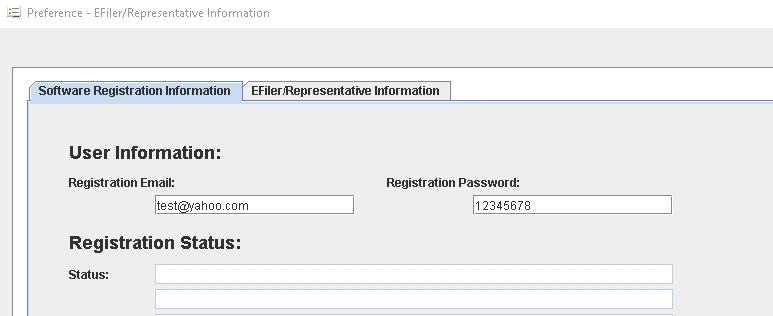
How to setup EFiler ID and registration email in FormExpress ?
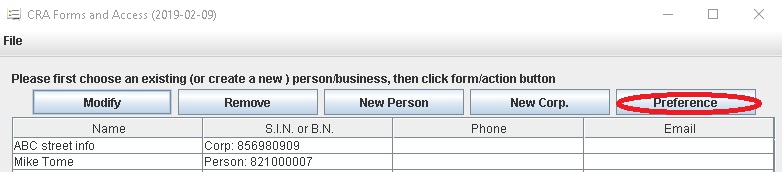
Upon launching the program, you will notice a series of icons displayed at the top of the main window. Please click the menu Start > Preference or the Preference icon in the icon bar.
Step 1: Complete information on the Tax preparer Info. tab, including your EFiler ID and password.
Step 2: Enter your docsign.ca account email/password on the DocSign.ca tab. Check more details on this FAQ.
Here are related screenshots:
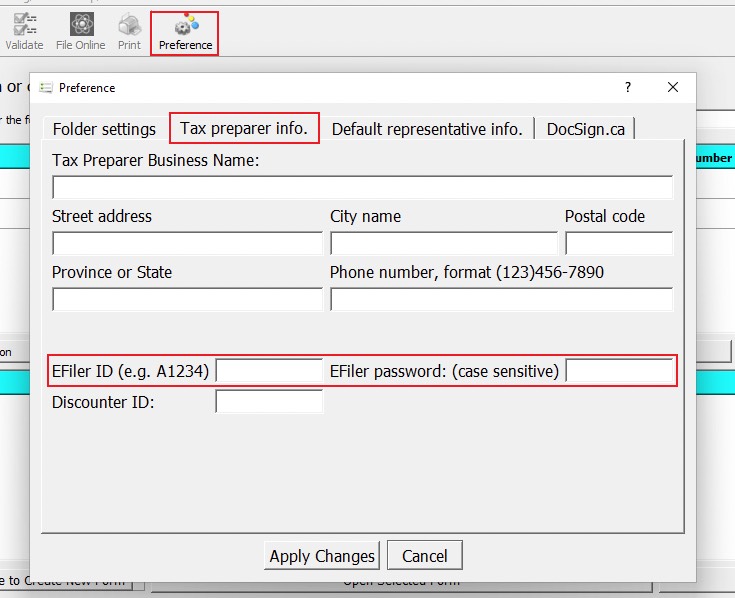
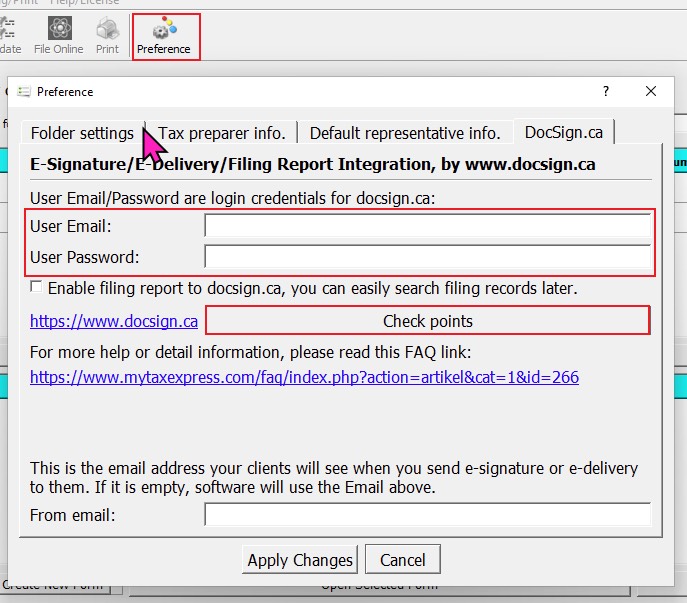
Preference window